Table of Contents
ToggleBuilding a home theater doesn’t mean draining savings or financing next year’s vacation. In 2026, a combination of competitive pricing, frequent sales cycles, and a flood of quality mid-tier equipment means homeowners can assemble a genuinely impressive setup for less than ever. The trick isn’t just waiting for Black Friday, it’s knowing what to buy, where to look, and how to distinguish a genuine bargain from a rebadged disappointment. This guide walks through the components worth investing in, the retailers and timing that deliver real savings, and the installation steps that’ll get everything running without calling in a professional.
Key Takeaways
- Home theater deals in 2026 offer unprecedented value, with OLED and QLED TVs dropping from $2,000+ to $1,200–$1,500 during sales events thanks to inventory clearance and supply chain stabilization.
- Timing purchases around predictable sales windows—Super Bowl, Prime Day, Labor Day, and Black Friday—combined with price matching and credit card rewards can save 15–20% or more on home theater equipment.
- A functional home theater requires four core components: a display (projector or large-screen TV), audio system (soundbar or 5.1-channel setup), media source, and seating, with DIY installation possible over a weekend using basic tools.
- Refurbished units from manufacturers and open-box purchases deliver 20–40% savings and come with warranties, making them lower-risk alternatives to hunting bargains on secondhand markets.
- Proper installation—including wall-mounting with stud finding, CL2/CL3-rated cables for in-wall routing, correct speaker polarity, and acoustic treatment—ensures a professional-quality viewing and listening experience without hiring contractors.
Why Now Is the Best Time to Score Home Theater Deals
The home theater market in 2026 sits at a sweet spot. Manufacturers are clearing inventory from 2025 models as newer versions arrive, but the performance gap between last year’s flagships and this year’s releases is negligible for most viewers. OLED and QLED TVs that cost $2,000+ two years ago now hover around $1,200–$1,500 during sales events.
Supply chain stabilization has also driven prices down. Pandemic-era shortages inflated costs artificially: now that logistics have normalized, component pricing reflects actual production costs. Retailers compete aggressively online, and price-matching policies mean a shopper willing to spend 20 minutes comparing can often save 15–20%.
Seasonal patterns remain predictable. Super Bowl weekend, Memorial Day, Prime Day (mid-July), Labor Day, and Black Friday all trigger significant discounts on TVs, soundbars, and receivers. Post-holiday clearance in January also delivers solid deals on overstocked items. Homeowners planning a media room renovation should map their purchase schedule around these windows rather than buying on impulse.
Essential Components for Your Home Theater Setup
A functional home theater consists of four core elements: a display, audio system, media source, and seating. Cutting corners on any one piece creates a weak link that degrades the entire experience.
Projectors vs. Large-Screen TVs: Where to Find the Best Deals
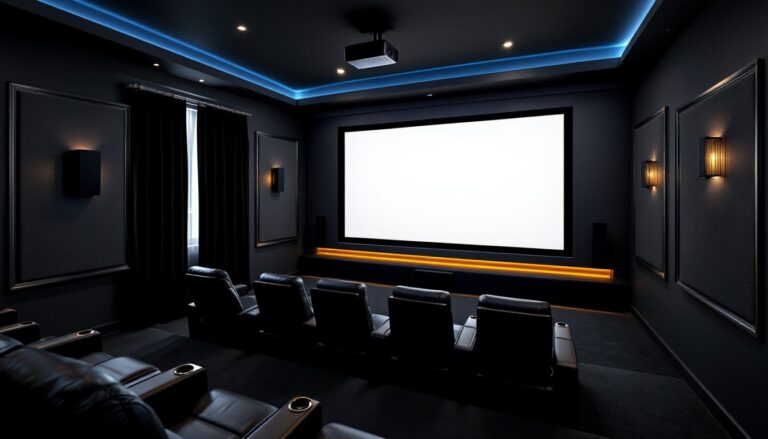
Projectors shine in dedicated theater rooms where ambient light can be controlled. A solid 1080p projector starts around $400, while 4K models with HDR support range from $800–$1,500. Pair a projector with a 120-inch fixed-frame screen (roughly $200–$300) for a true cinema feel. Deals appear most often during back-to-school sales (August) and holiday events. Refurbished units from manufacturers like Epson or BenQ save 20–30% and typically include a 90-day warranty.
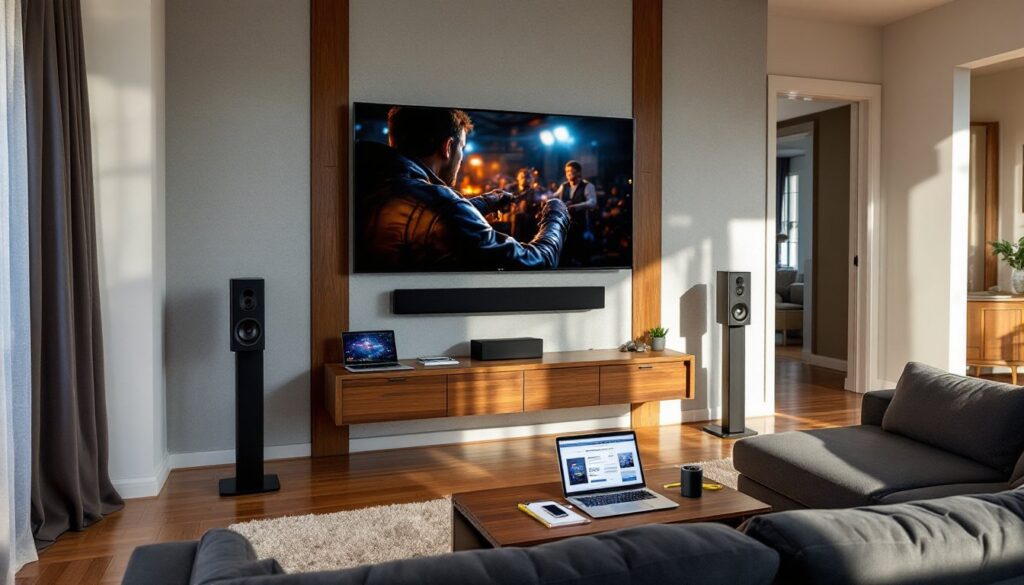
Large-screen TVs (75 inches and up) suit multi-purpose spaces with windows or ambient lighting. A 75-inch 4K LED TV with local dimming now costs $900–$1,200 during sales, while 85-inch models hover around $1,500–$2,000. OLED offers superior contrast and black levels but adds $500–$1,000 to the price tag, worthwhile for dark-room viewing, overkill for brightly lit family rooms. Many retailers update their inventory with fresh pricing weekly, so checking deal aggregators saves time.
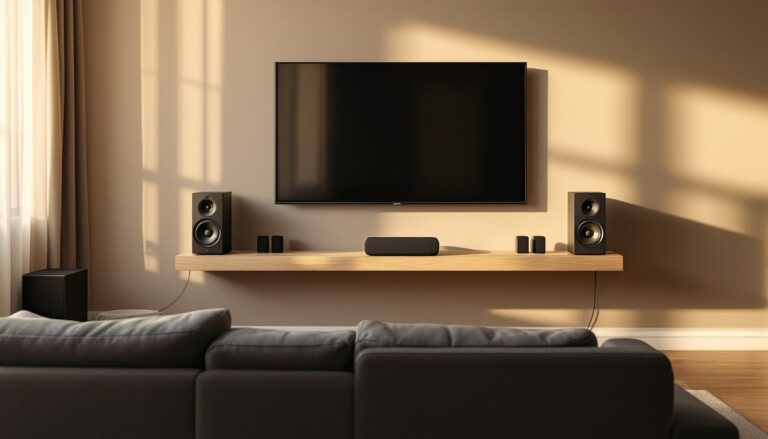
For installation, wall-mounting a 75-inch TV requires a fixed or tilting mount rated for 100+ lbs, two people for lifting, and lag bolts into studs (not drywall anchors). Locate studs with a stud finder, mark pilot holes level with a 48-inch spirit level, and drill using a 3/16-inch bit before driving bolts. Leave cables loose behind the TV for future adjustments.
Sound Systems That Won’t Expensive
TV speakers are inadequate for any serious viewing. A 5.1-channel surround system, five speakers plus a subwoofer, is the baseline for immersive audio. Budget-friendly options include soundbar-based systems ($300–$600) that simulate surround sound using digital processing, or discrete speaker packages ($500–$900) with a dedicated AV receiver.
Soundbars suit apartments or rooms where running speaker wire isn’t practical. Look for models with Dolby Atmos or DTS:X support, wireless subwoofers, and HDMI eARC connectivity. Deals often coincide with major sales events, particularly around July and November.
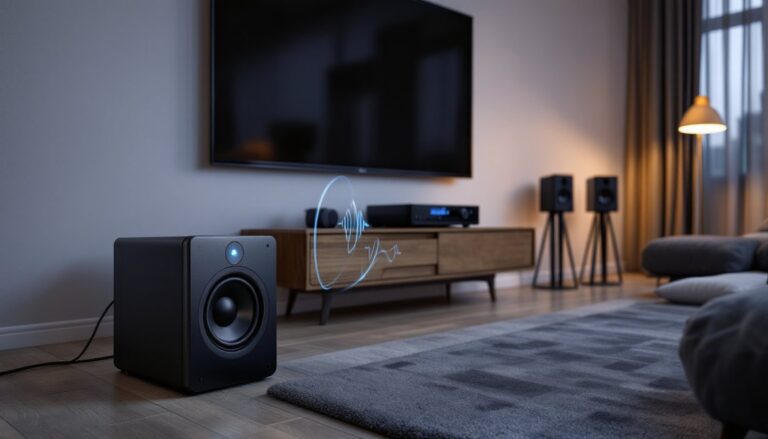
Discrete speaker systems deliver better sound staging and upgradability. A basic package includes left/right towers, a center channel, two surrounds, and a powered subwoofer. Entry-level receivers with 4K passthrough and Dolby Atmos decoding cost $300–$500 during sales. Wire runs should use 16-gauge speaker wire for runs under 50 feet: heavier 14-gauge for longer distances. Conceal wiring inside walls using low-voltage brackets and fish tape, or run it along baseboards inside paintable wire channels.
Calibrate the system using the receiver’s auto-setup microphone, then fine-tune levels manually. Set the crossover on small speakers to 80 Hz, adjust subwoofer level until bass feels present but not overwhelming, and angle surrounds toward the seating area at ear height (about 3–4 feet off the floor).
Where to Hunt for the Best Home Theater Deals
Retailers fall into three categories: big-box electronics stores, online marketplaces, and manufacturer-direct outlets. Each has advantages depending on timing and product type.
Big-box retailers like Best Buy and Costco offer weekly doorbuster deals and open-box returns at steep markdowns (15–30% off). Open-box TVs and receivers are often floor models with minimal use: inspect for dead pixels and missing accessories before purchase. Costco includes an automatic two-year warranty and a generous 90-day return window.
Online marketplaces (Amazon, Walmart.com, Newegg) update pricing dynamically. Use browser extensions like CamelCamelCamel or Keepa to track price history and set alerts when items hit target thresholds. Warehouse deals on Amazon list returned or damaged-box items at discounts: “Like New” condition usually means unopened customer returns. Third-party sellers sometimes undercut official prices by 5–10%, but verify seller ratings above 95% and review return policies carefully.
Manufacturer-direct outlets and refurbished stores (e.g., Samsung, Sony, Denon) sell prior-gen models and certified refurbs with full warranties. Refurbished AV receivers and projectors often come directly from the factory with replaced parts and testing, making them lower-risk than third-party resellers.
Local classifieds (Facebook Marketplace, Craigslist) can yield high-end gear from homeowners upgrading. Inspect equipment in person, test all inputs and outputs, and negotiate firmly, most sellers price 20–30% below market and expect counteroffers. Avoid any unit that smells like smoke or shows signs of moisture damage.
Smart Shopping Strategies to Maximize Your Savings
Timing purchases around predictable sales is only half the strategy. Stacking discounts, leveraging credit card rewards, and bundling components stretch budgets further.
Price matching remains underutilized. Most major retailers will match a competitor’s advertised price on identical models. Bring a screenshot or printed ad showing the lower price, verify the model number matches exactly (manufacturers sometimes create retailer-specific SKUs to prevent matching), and request the adjustment at checkout.
Credit card rewards add 2–5% back on electronics purchases. Cards with rotating categories sometimes include electronics or home improvement during specific quarters. Some store-branded cards (Best Buy, Amazon) offer 0% financing for 12–18 months on purchases over $500, useful for spreading out costs, but only if the balance is paid before the promotional period ends to avoid retroactive interest.
Bundling components often triggers additional discounts. Buying a TV and soundbar together, or a projector with a screen, sometimes unlocks 10–15% off the total. Ask the sales associate if bundle pricing applies, even if it’s not advertised. Deal aggregators often highlight these combo offers during peak sale periods.
Refurbished and open-box purchases require careful inspection but deliver 20–40% savings. Check for cosmetic damage, verify all cables and remotes are included, and test core functions (display, sound output, HDMI ports) before leaving the store or within the return window. Keep original packaging for at least 30 days in case issues surface.
Avoid extended warranties on most electronics. Manufacturer warranties cover defects for the first year, and credit cards often double the warranty period automatically. The exception: projectors, which use consumable lamps. An extended plan that covers lamp replacement can be cost-effective if the unit sees heavy use.
DIY Home Theater Installation Tips for Homeowners
Installation is where many DIYers stumble, not from lack of skill, but from skipping prep steps or underestimating the physical demands. A well-planned install takes a weekend and requires basic carpentry and electrical knowledge.
Planning the layout starts with seating position. The ideal viewing distance for a 4K TV is 1.5 times the screen diagonal: for a 75-inch TV, that’s about 9.5 feet. Projector throw distance depends on lens specs, check the manufacturer’s throw calculator before mounting. Leave at least 2 feet of clearance behind seating for surrounds and room acoustics.
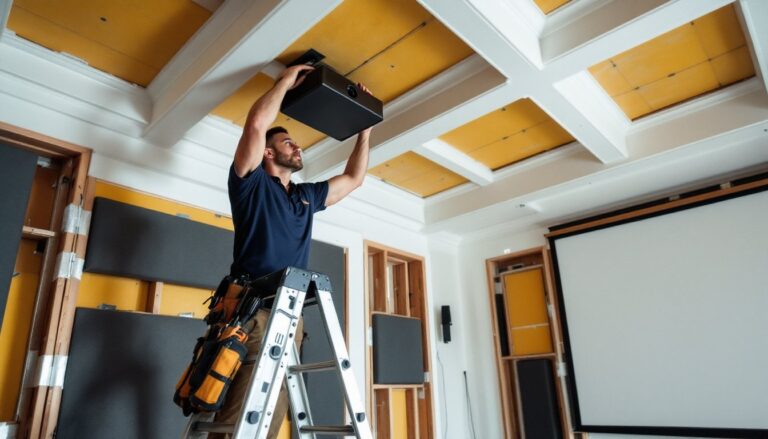
Mounting a TV or projector requires locating studs and using appropriate hardware. For drywall, drill into studs at 16-inch or 24-inch centers. For concrete or brick, use masonry anchors rated for the weight plus 50% safety margin. A 75-inch TV weighs 60–80 lbs: choose a mount rated for 100+ lbs. Use a laser level or 48-inch spirit level to ensure the mount is perfectly horizontal, even a 1-degree tilt is noticeable on large screens.
Running cables cleanly improves aesthetics and meets code. For in-wall routing, use CL2 or CL3-rated HDMI cables designed for in-wall use (standard cables violate fire code). Cut access holes behind the TV and near the floor using a drywall saw, fish cables using a fiberglass rod or fish tape, and install low-voltage mounting brackets to secure cables. If running cables through insulation, avoid stapling or compressing, this can damage shielding.
Wiring speakers follows color-coded terminals: red to positive, black to negative. Keep polarity consistent across all channels or sound will phase-cancel. Strip 1/2 inch of insulation from speaker wire ends, twist strands tightly, and insert fully into spring clips or binding posts. For rear surrounds, either run wire along baseboards inside wire channels or fish through walls if the room is unfinished below.
Acoustic treatment isn’t optional if sound quality matters. Hard surfaces (drywall, hardwood, tile) reflect sound and create echo. Add acoustic panels (2-inch thick fiberglass or foam) on the front wall behind the TV and first reflection points on side walls. A thick area rug over hardwood floors reduces floor bounce. Heavy curtains over windows absorb high frequencies and block light for projector setups.
Safety gear: Wear safety glasses when drilling into walls (dust and debris), use a dust mask if cutting drywall or insulation, and wear work gloves when handling metal studs or sharp mounting brackets. Use a voltage tester before drilling into walls to avoid hitting electrical wiring.
Test the entire system before closing up walls or finishing trim. Play test content with heavy bass and bright scenes to confirm speakers are wired correctly and the display settings are dialed in. Fine-tune receiver settings using the auto-calibration microphone, then manually adjust to taste.